Multi-provider AI
AIBring your own key for OpenAI, Anthropic, Gemini, or run local via Ollama. Switch providers anytime, no lock-in.
Turn plain-language descriptions into working Blueprint graphs in seconds. Bring your own AI provider, tap into a community-powered knowledge base, or go fully local. Your workflow, your call.
Six capabilities, wired into one Generate call
A focused toolkit, not a kitchen sink. Each node earned its place by shaving real time off real UE5 workflows, and they all feed the same graph.
Bring your own key for OpenAI, Anthropic, Gemini, or run local via Ollama. Switch providers anytime, no lock-in.
Every generation is enriched with few-shot examples retrieved from a community knowledge base tuned for Blueprint topology.
Expose Blueprint tools to Claude Code, Cursor, or any MCP host. One paste-able command to wire the editor into your agent.
Version-pinned prompt hints + node validation. No deprecated nodes in 5.8, no missing APIs in 5.6, the graph compiles on the version you target.
"Pin type mismatch" becomes "you connected a float to a bool, try a Compare node." Every compile error, in plain English.
Works the moment you install, bring your own AI key and generate, no account needed. The community knowledge base is an optional, free boost: connect your Brain account from the plugin whenever you want it.
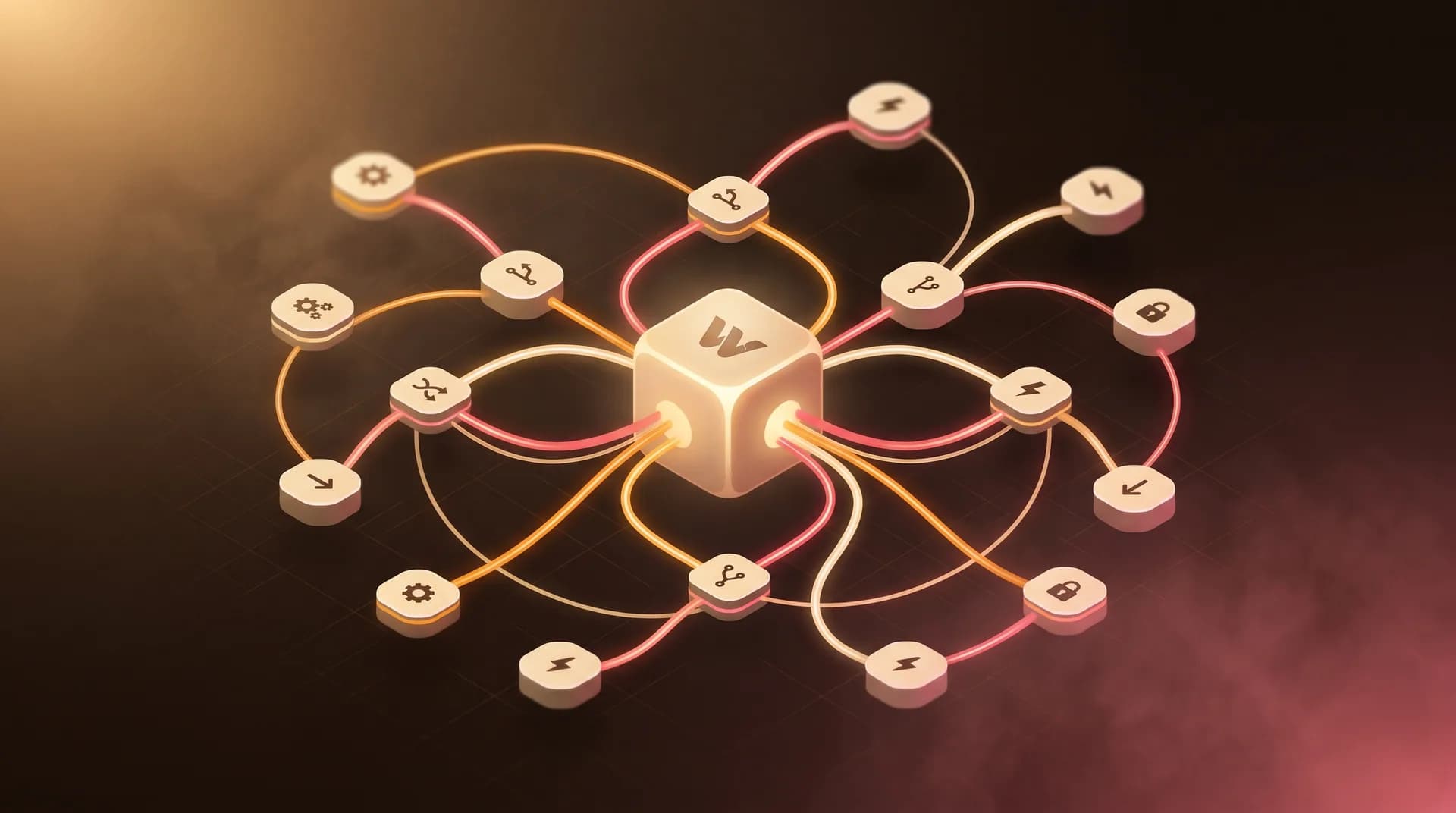
Provider, context, and tooling resolve into a single validated Blueprint generation. You review the graph, refine with follow-ups, and ship, accepted output flows back to the Brain for the next person.
Three steps from prompt to packaged asset
Install WoalzCraft into your UE 5.6–5.8 project, set your AI provider (or local Ollama), and generate, no account required. Want community-tuned suggestions? Connect a free Brain account anytime.
Open the Woalz Craft panel. Type "spawn a cube when the game starts" or paste a spec. The Brain finds similar patterns to guide the AI.
Review the generated graph, refine with follow-ups, ship the asset. Accepted Blueprints flow back to Brain to help the next person.
Bring your own AI key, or run fully offline with Ollama. Buy once on Fab, and tap the free Brain knowledge base whenever you want it.